Design firms
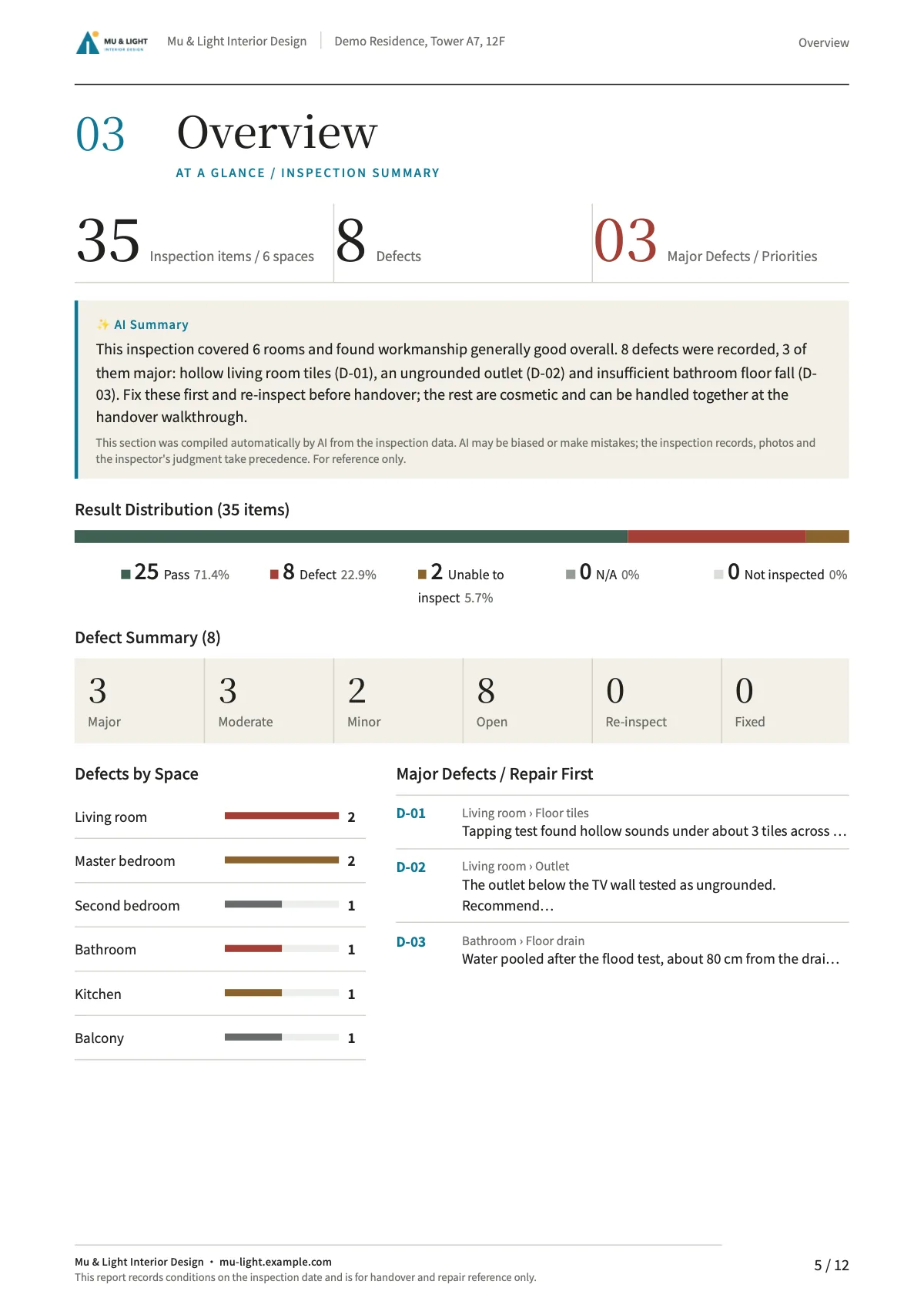
Hand over finished projects with your own branded report
Shoot and mark up on site, get a branded report laid out for you, then sign and deliver the PDF.
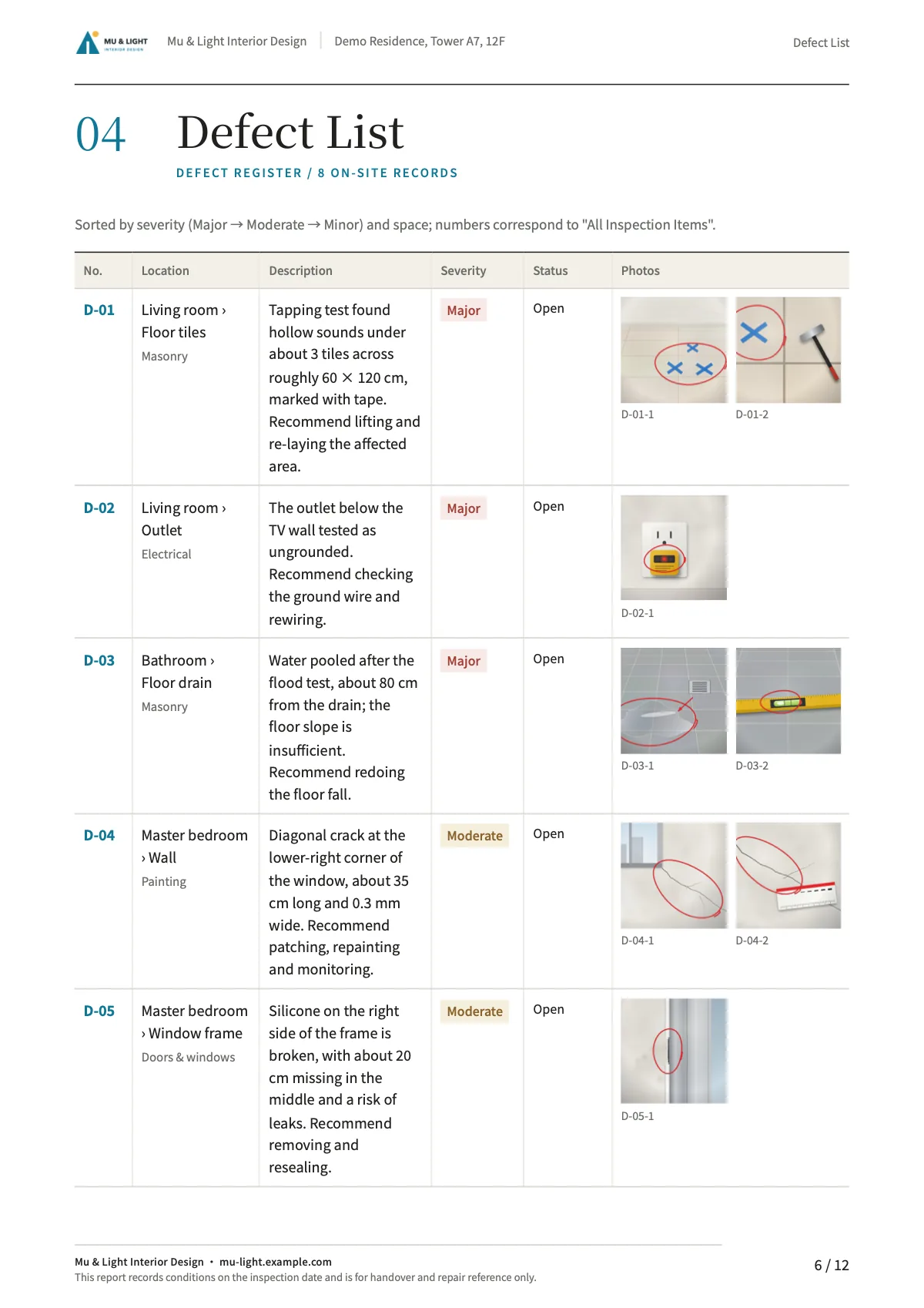 ✓ PDF readySent to homeowner
Camera
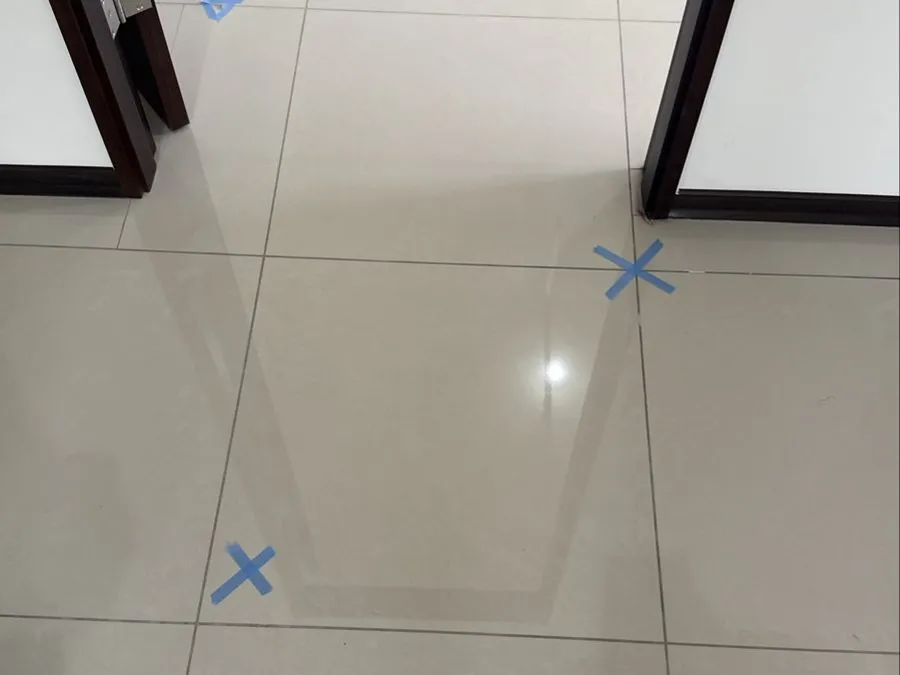
Filed to: Bedroom 2 › Hollow or raised floor tiles
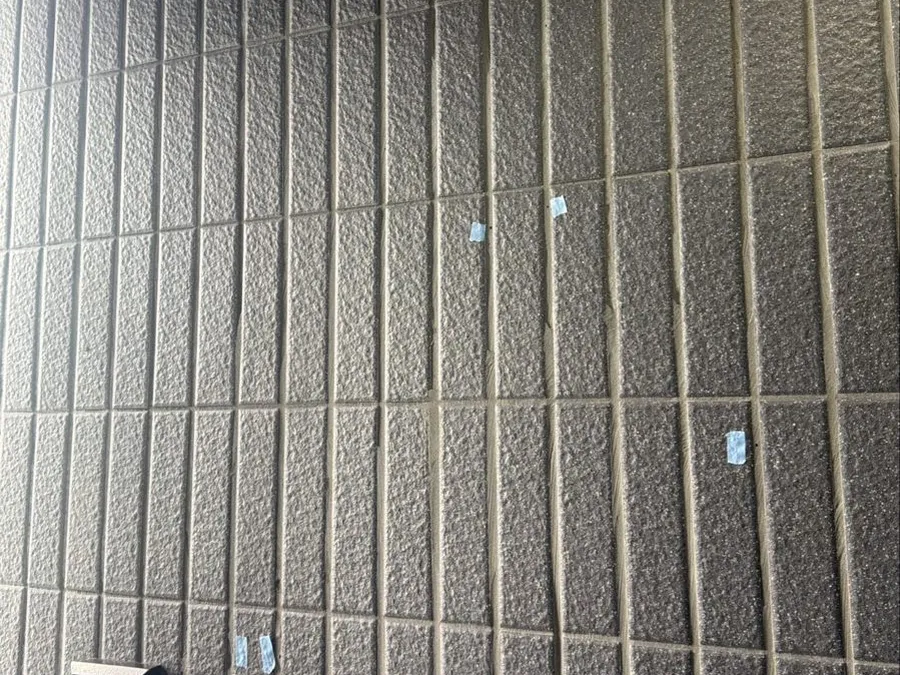
Photos from a real job4 / 30 photos
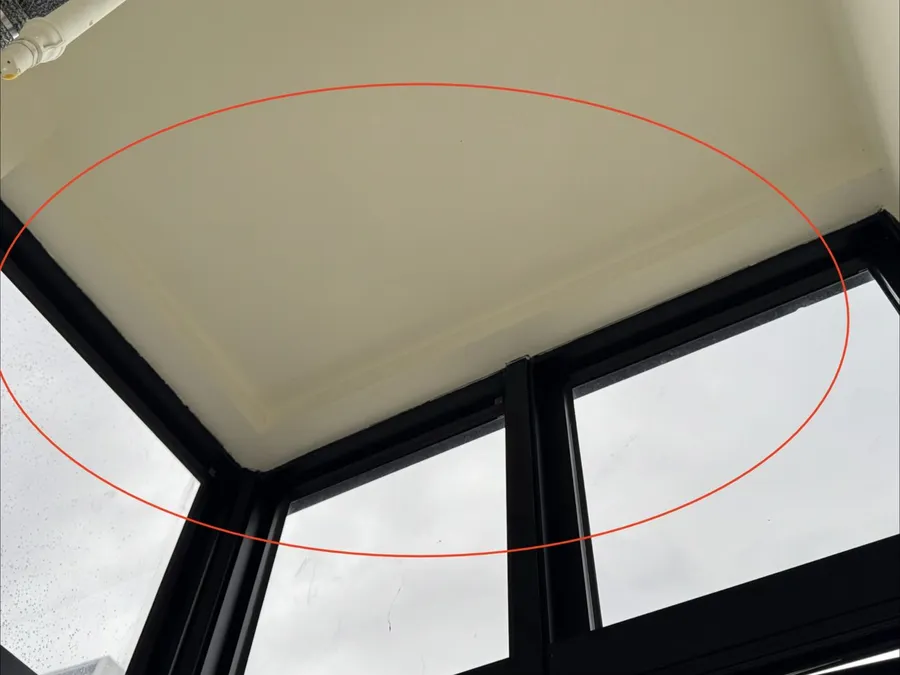
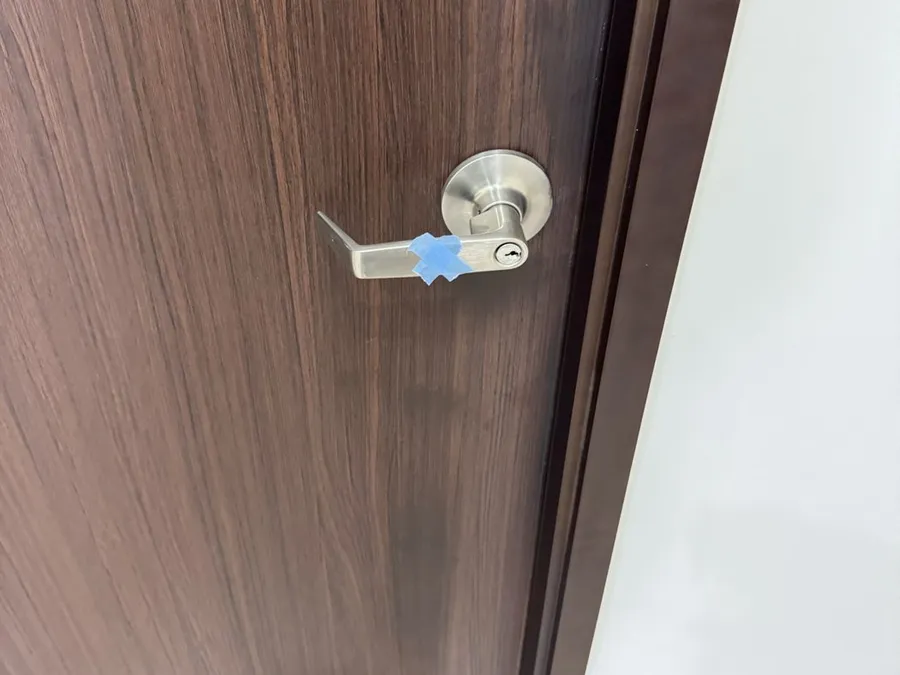
Figures are estimates for a typical 3-bedroom home with about 100 photos; actual results vary by job and workflow.
Wording suggested, mistakes caught, summary drafted.
1While inspecting
Suggests a description from your photo — tap to insert.
2While reviewing
Flags records that look wrong. It alerts, never edits.
3On export
Drafts the summary and repair order. You decide if it goes in.
The same inspection data, with your logo, colors and template.
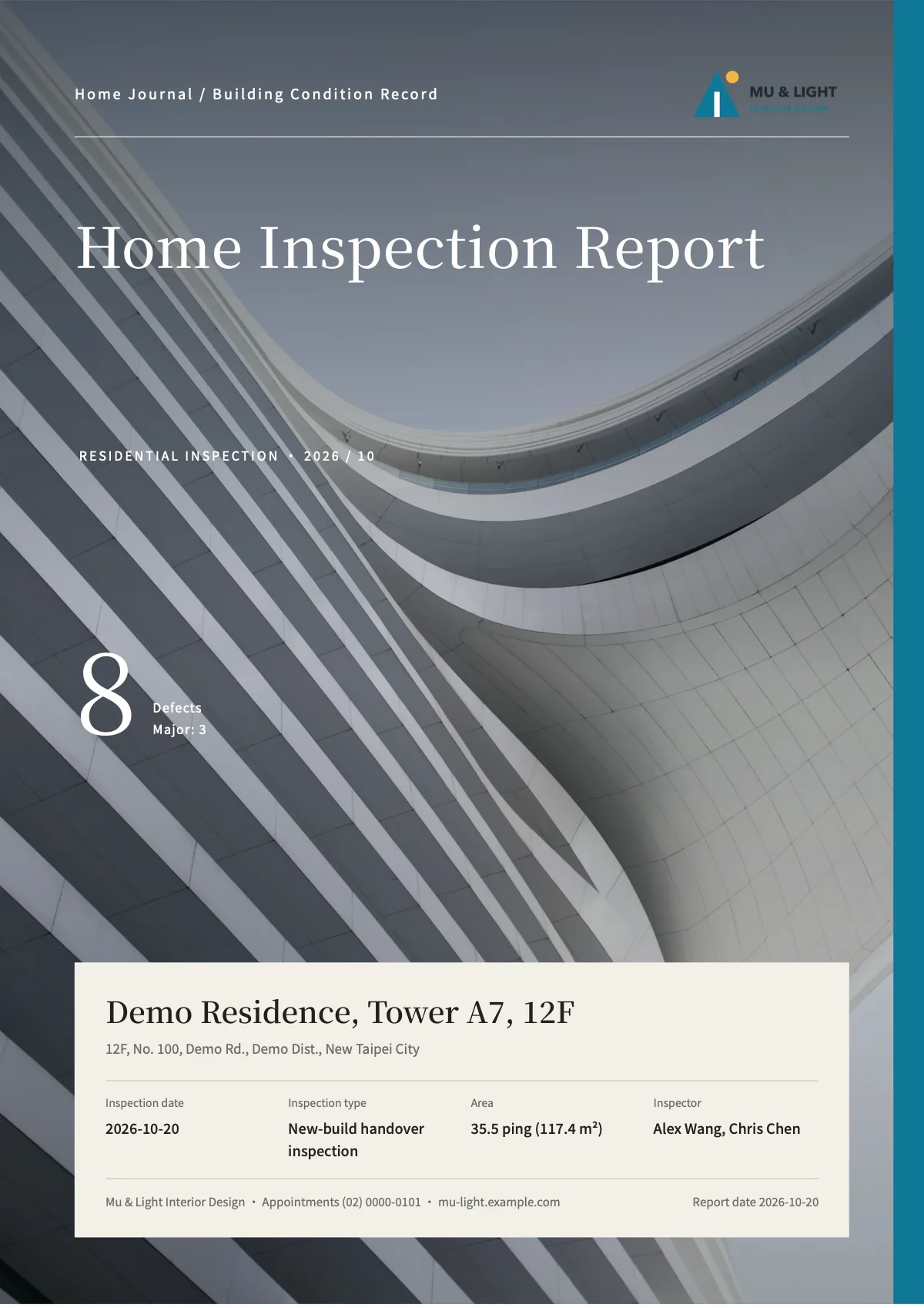

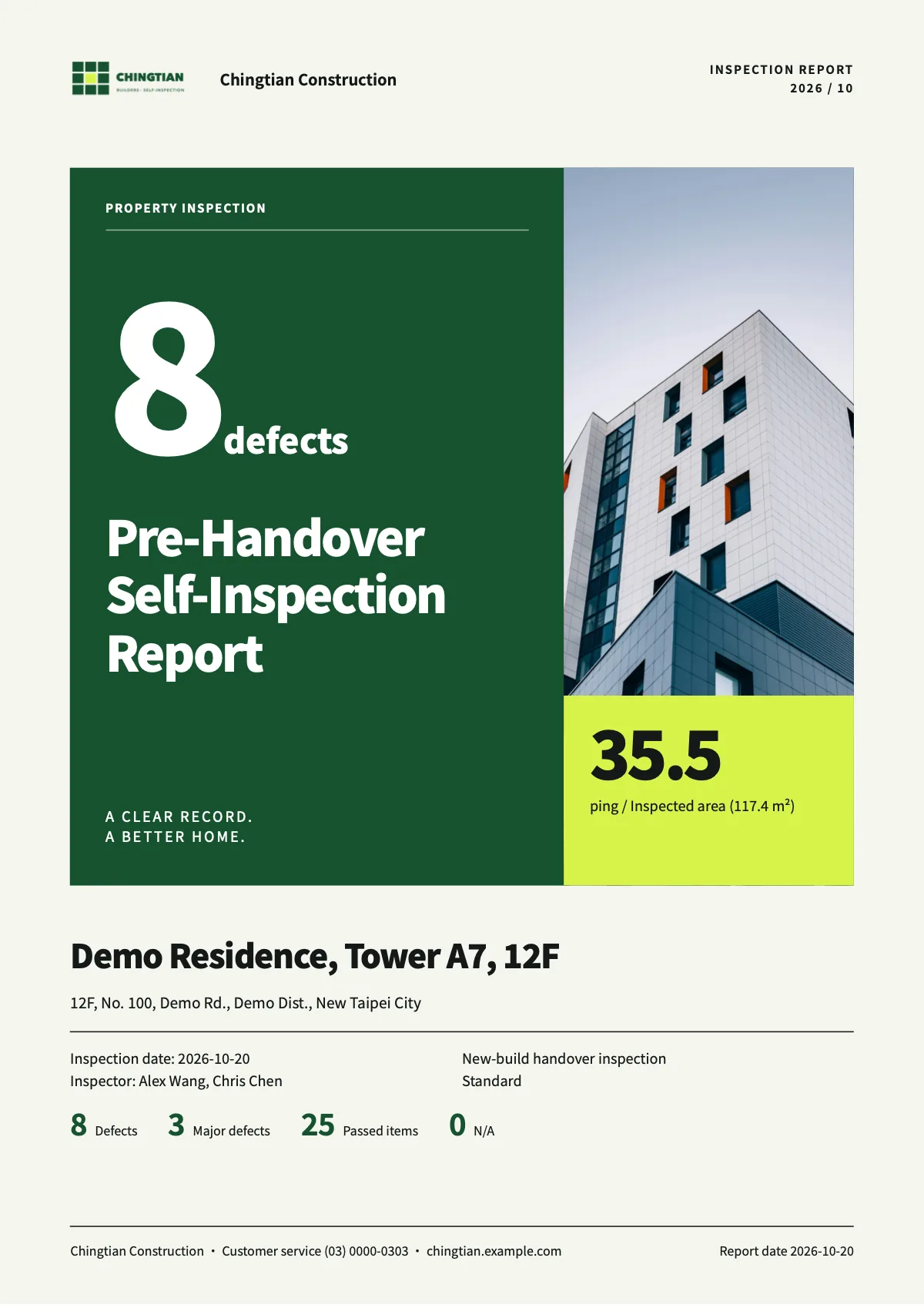
LiDAR-equipped iPhone Pro / iPad Pro only. Floor area, each wall's length, perimeter, ceiling height, and door and window count.
Each scan saves a 3D model and draws a 2D floor plan, with dimensions written into the report. Homeowners can view the 3D model on iPhone.
Hand over finished projects with your own branded report
Templates, team roles and re-inspections in one workflow
Use the app for self-inspections and defect records before handover
Record, report and deliver on your own
Check each item at completion and hand over with photos
Every unit's defects and handover status in one place
Tap for details
Site recording is free. You pay only when you export a report, based on that report.
Pay per report
Occasional reports, or just getting started
NT$100 / 100 records
ProRecommended
About 40 reports a month
NT$5,900 / month
Save 41% vs. pay per report
Team
About 80 reports a month
NT$9,900 / month
Save 51% vs. pay per report
Cases, photos and reports are kept for as long as your account is active. Retention for videos and attachments is explained below.
Each delivery includes an online link. Homeowners open it on their phone and browse photos and notes by room.
Your own booking link: homeowners fill in their details and send; accept in the app and the case is created.
AI suggests descriptions, checks records before you submit, and drafts the summary.
Three templates — swap in your logo, colors and stamp.
Members share the company account, with one bill for everyone.
Homeowners' addresses, phone numbers and site photos are in your hands, so the protection is built into the system.
Each item's result, notes, measurements and defects log who changed what, when, and the before and after — visible right in the app.
Once a case is completed its records become read-only and must be sent back to review to edit; the latest issued report PDF is kept.
Records go into an encrypted database on the phone first and upload once you're back online.
Members can be set to edit or view only, and homeowners can only view; when someone leaves the company, their phone is signed out immediately.
Low-latency cloud hosting, two layers of firewall, suspicious traffic blocked automatically, and daily backups. Inspection data is kept separate by company permissions.
Cloud photos, videos and attachments have no public URL — each view gets a temporary signed link, and all traffic is HTTPS-encrypted.
Still have a question? Ask us directly. Contact us →
Inspection+ (屋檢Plus) is a home inspection app by TIDEVERSE for inspection companies, interior designers, renovation contractors and builders. Mark up defects on photos on site, keep working without a connection, and get a branded PDF report generated automatically. Homeowners view results for free and record their own defect handling status in the app.
Instead of sorting photos back at the office, pasting them into a document and fixing the layout before exporting a PDF, Inspection+ files each photo to its room and item as you shoot. The report lays itself out in your branding, is signed and delivered on the spot, and homeowners can then view it anytime in the app.
Creating cases and recording on site are free. You pay only when you export a report, based on the number of inspection records in that report. After delivery, cases, photos and reports stay stored at no charge, and if you add items and export again, only the new records are counted. Videos and attachments include 30 MB of free storage per case; you only add more if you go over. See pricing →
Yes. Inspections, photos and markup are saved on the device first and sync automatically once you're back online.
After signing up, Quick setup offers three ways to start: use the built-in new-build checklist as is; pick the categories you need from it; or upload your own checklist (PDF, Excel, photos or pasted text) and let AI build the items for you to review. You can return to Quick setup or adjust your items later from the Company tab in the app.

